Print Your Own Hitster Cards (PDF)
Paste your Spotify, YouTube, Tidal, Deezer or Apple Music playlist and get a print-ready PDF with QR codes and verified years instantly. Print double-sided at home on sturdy paper, or order professionally printed cards.
Import any playlist and print cards that play by the Hitster rules. Free up to 100 cards.
Secure payment · Delivered by email right away
What is Hitify?
Hitify (hitify.app) is a free online tool that turns a Spotify, YouTube Music, Tidal, Deezer or Apple Music playlist into printable music quiz cards with QR codes, in the style of Hitster. Scan a card, hear the song, guess the year and build your timeline. Packs of up to 100 songs are free; larger packs and printed cards are paid.
- Works with Spotify, YouTube Music, Tidal, Deezer and Apple Music playlists.
- Free for packs of up to 100 songs, including the PDF download.
- Printed cards can be ordered and ship throughout Europe.
- No streaming account is needed to play: the scanner works in any phone browser.
From playlist to print in 3 steps
No Canva, no manual QR generators. Pick songs, generate the PDF, print and cut.
Pick your songs
Import your Spotify, YouTube Music, Tidal, Deezer or Apple Music playlist, or search manually. Choose from millions of tracks.
Generate the print PDF
Each card automatically gets a QR code and a verified release year. The PDF is laid out for printing.
Print & cut
Print double-sided on sturdy paper (200gsm or heavier) and cut the cards to about 6.5x6.5 cm.
Print at home or have them printed
Print at home
Download the print-ready PDF and print double-sided on your own printer. The QR front and year back line up perfectly.
Order printed cards
Don't want to cut? Order professionally printed, sturdy cards and get them delivered ready to play.
Sturdy stock
We recommend 200gsm or heavier for cards that won't bend and last a long time. Works with any standard printer.
Works with original Hitster
Same format (~6.5x6.5 cm) and QR codes that play directly: mix your printed cards with your existing Hitster set.
Tips for the best print result
With the right settings you can print sharp, sturdy cards in a few minutes. Our tips:
- Double-sided (duplex): choose double-sided printing and flip on the short edge, so the QR front and the year back align cleanly.
- Actual size: set scaling to 100% / actual size (not "fit to page"), otherwise the ~6.5x6.5 cm card size will be off.
- Sturdy paper: use 200gsm or heavier (cardstock/photo paper) for cards that won't bend.
- Quality: print at the highest quality so the QR codes stay crisp and scannable.
- Cutting: use a paper trimmer or ruler + knife instead of scissors for straight edges.
Don't feel like printing and cutting? Order professionally printed cards and receive them ready to play.
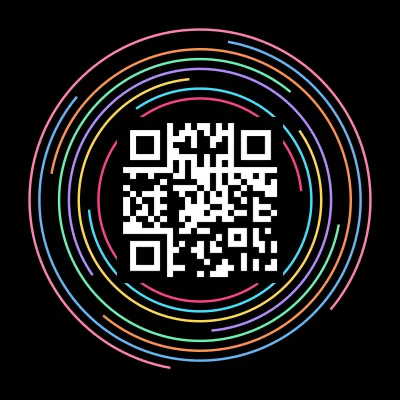
5 styles to print
From classic to personal with your own photo. Every style is optimized for print.
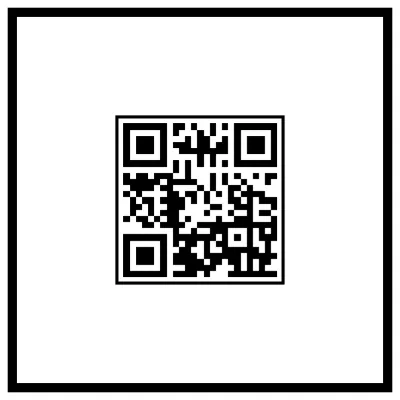
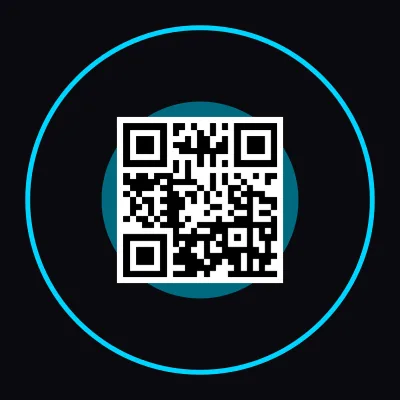
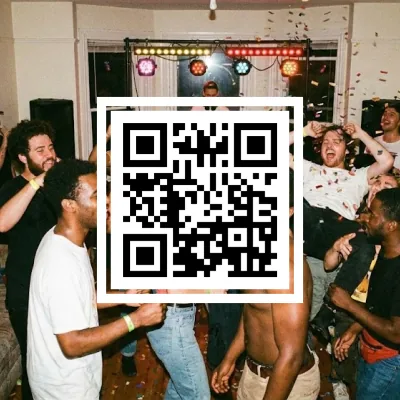
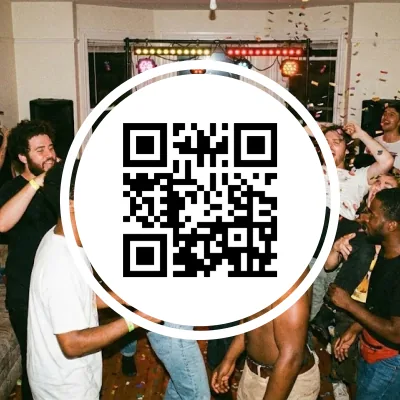
Free PDF up to 100 cards
Your first 100 cards print free from the PDF. Larger packs (500 or 1000 cards) cost just a few euros.
What players say
based on 34 reviews
This was an awesome idea. We love having game nights with our friends. We 10/10 recommend especially if you love music games as much as we do.
It works! Nice game for music lovers.
This site is awesome. So much fun to create your own cards and play them with friends. If I could give 6 stars I would.
I really useful for upgrade this game the official song card is a bit less
Amazing project. With just a few clicks your own Spotify playlist is turned into a Hitster game. Keep it up. The pricing is also really very fair
Easy to use, and the result is exactly what I expected!
Easy to use. Happy with my own cards.
Super simple process, works like a charm!
Great for creating your own cards and QR codes. Plus you play with the same app
Beautiful idea and a beautiful app, fast and easy to use
Worked perfectly! Thank you so much!
Best app for creating cards for a music game!
It was really great. I made a birthday playlist for a friend, and with Hitify she could play her own personal Hitster. 🥰
Works great and nicely priced.
Really nice and easy!
So incredibly easy to do, and so much fun for adding a personal touch to a party, a special event or any other occasion. Really recommended. You can let your creativity run wild, or just go for convenience and let it do the work for you.
Nice to be able to turn your own playlist into a Hitster-like game. The only downside is that you hear the songs without the intro.
Being able to create new card packs for Hitster is a real treat. A great app.
Quick and smooth. Easy to create your own playing cards. There are no limits. I recommend it
Very easy-to-use app. I especially like that you can submit a correction for the year, and if it's right it gets applied straight away. The different ways to vary the printout are great too. Highly recommended!
Great service. It was super fast, it works without any problems and looks really great.
Frequently asked questions
How do I print the cards double-sided?
In your printer dialog choose "double-sided printing" and flip on the short edge. Set scaling to 100% / actual size so the front and back align cleanly.
What paper do you recommend?
Use sturdy paper of 200gsm or heavier (cardstock or photo paper). That prevents bending, keeps cards from showing through, and makes them last.
How big are the cards?
About 6.5x6.5 cm. The same size as the original Hitster. Print at actual size and cut along the guide lines with a paper trimmer for straight edges.
Can I order professionally printed cards instead?
Yes. If you'd rather not print and cut yourself, order professionally printed, sturdy cards and get them delivered ready to play.
More to explore
Ready to print your cards?
Get your print-ready PDF instantly. Your first 100 cards are free. No account needed.
Secure payment · Delivered by email right away