Hitster to Print: How to Get a Print-Ready PDF (with Print Settings)
Everything you need for a print-ready PDF of Hitster-style cards: the right print settings, double-sided printing, ~5x5 cm size, paper choice and cutting tips.
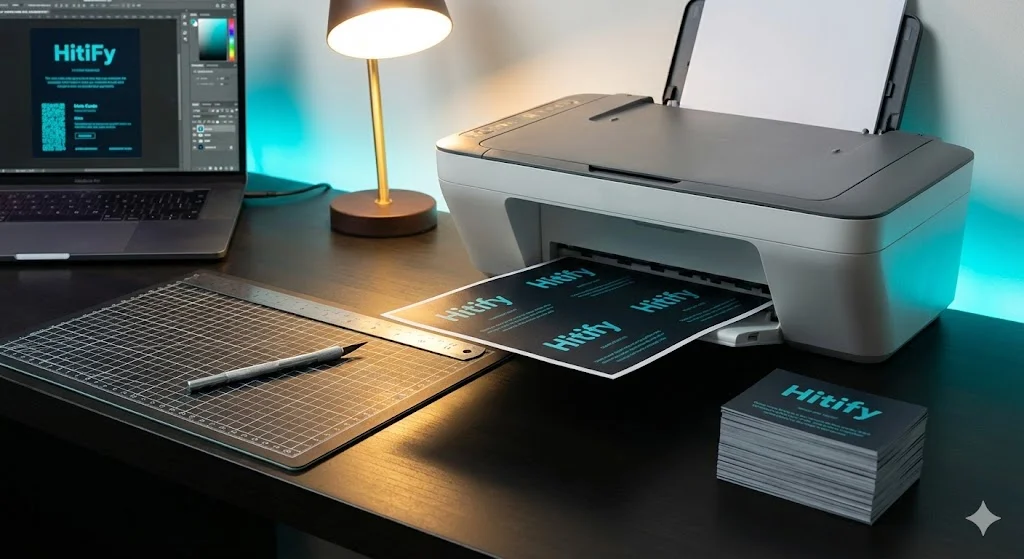
Print and play is the fastest way to be playing tonight: download a PDF, print at home, cut out and you're holding your own music game. In this guide we walk through the whole route. From a good PDF to crisp, sturdy cards. And at the end we show how to skip the whole process.
What "Print and Play" Means
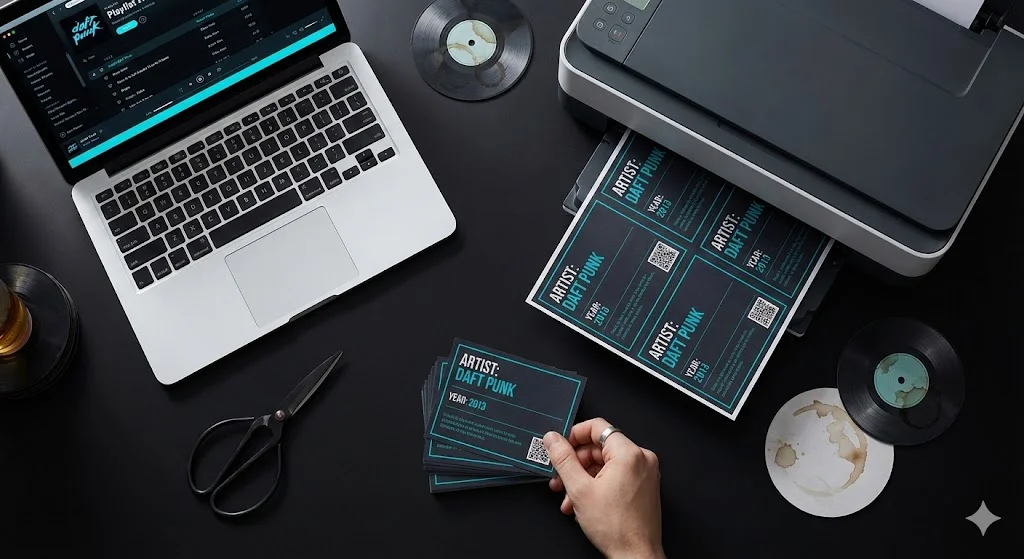
In a Hitster-style game, the front of the card has a QR code and the back has the year, artist and title. You print the PDF double-sided, cut out the cards and play. Players scan with their phone camera. No separate app needed.
The key to a good PDF is alignment: the QR code has to land exactly behind its matching year. That's why double-sided printing with the right settings matters so much.
The Right Print Settings
Before you hit print, check these settings:
- Scale: 100% (Actual size). Turn off "Fit to page" or "Shrink to fit". Otherwise your cards get smaller or larger and the alignment breaks.
- Double-sided (duplex). Choose the binding edge carefully: use "flip on short edge" if front and back come out upside down, or long edge if they're reversed. Print one test sheet first to see which option is right.
- Highest quality. Set print quality to the highest setting so the QR code stays sharp and scannable.
- Color or black & white. QR codes scan fine in black & white, so it doesn't matter for scannability. Color is purely cosmetic.
Size: ~5x5 cm
A nice card size is about 5 by 5 centimeters (roughly 2 inches). Big enough for an easily scannable QR code, small enough to hold and shuffle comfortably. Many PDFs place several cards on one A4/Letter sheet for efficient printing. After printing, check with a ruler that the size is right; if not, your scale isn't at 100%.
🎵 Create your own music quiz
Surprise your guests with a personalized music game — ready in just a few minutes.
Paper: Sturdy Enough to Last
Regular printer paper (80 gsm) is too thin: the cards bend and the QR code on the back can show through, which can interfere with scanning.
- Aim for 200 gsm or more. Cardstock of 200 to 300 gsm gives sturdiness and prevents show-through.
- Choose matte over glossy. Glossy paper reflects light, making the QR code harder to scan.
- Check your printer. Not every printer handles thick cardstock. Check the manual for the maximum paper weight.
Cutting Tips for Crisp Cards
This is where you make the difference between "homemade" and "store quality":
Or Skip the Hassle with Hitify
Making a good PDF is usually the most work: looking up songs, generating QR codes, verifying years and aligning everything neatly. With Hitify you skip all of that. Paste a Spotify, YouTube or Tidal playlist and you get a print-ready PDF with scannable QR codes and verified years automatically. Already aligned for double-sided printing.
Go to the create page, pick your songs and download. After that you just print and cut using the tips above.
Done in a Few Minutes
Print and play doesn't have to be an afternoon of work. With the right settings. 100% scale, double-sided, sturdy matte paper. And a print-ready PDF, you'll have your own Hitster-style game in minutes that plays seamlessly alongside the original.